
Complete Guide to Corrugated Flute Types: E, B, and BC Explained
Feb 17, 2026
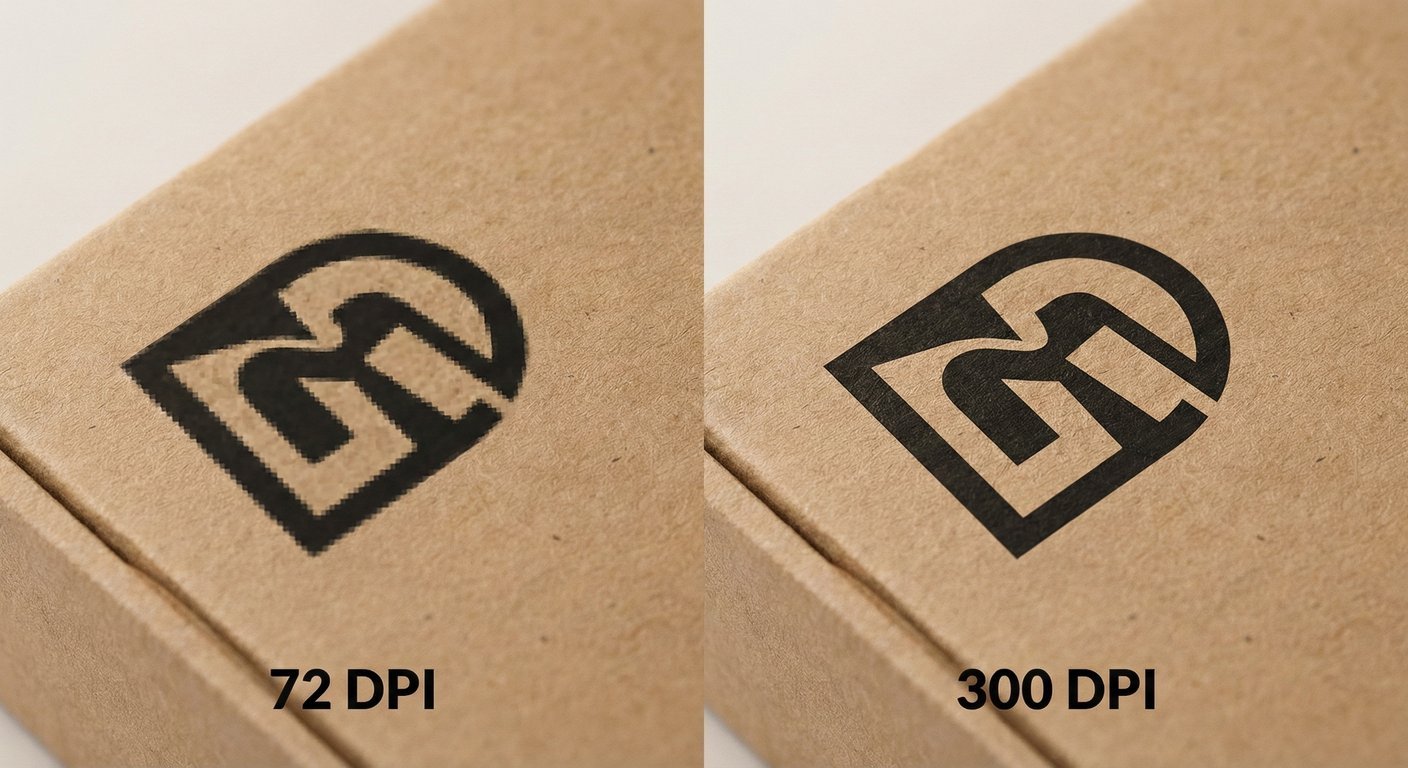
When you are preparing artwork for custom packaging, ensuring you have 300 DPI for printing is the single most important technical requirement. We have seen countless beautiful brand designs turn into blurry, unprofessional disasters simply because the file resolution was too low.
As a brand owner or procurement manager, you need your packaging to scream “quality” the moment it hits the shelf. If your text is fuzzy or your logo is pixelated, customers consciously or subconsciously perceive the product inside as low-quality. In this guide, we will explain exactly why print resolution differs from what you see on your computer screen and how to get it right every time.
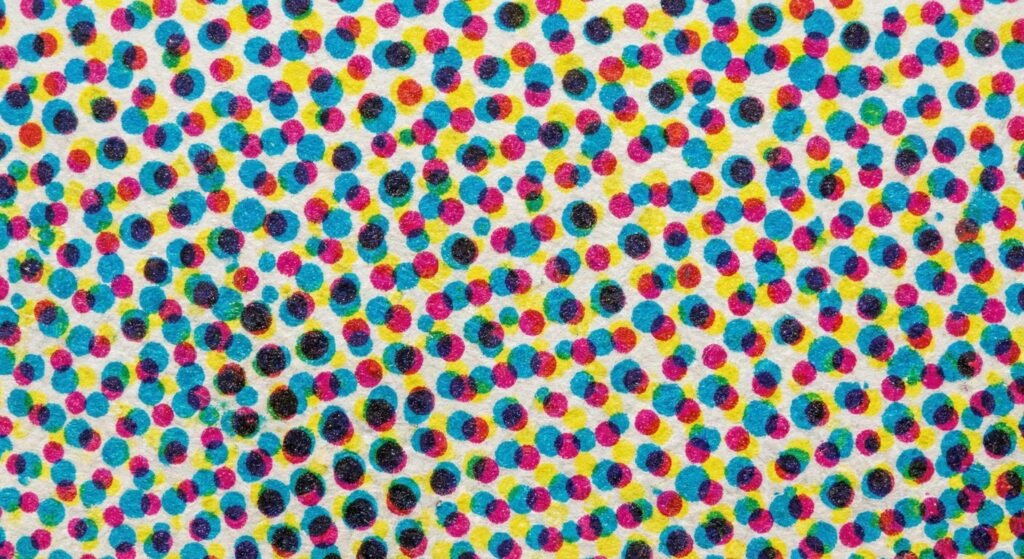
DPI stands for Dots Per Inch. It measures how many physical droplets of ink a printer lays down in a single inch of paper.
When you look at an image on a monitor, you are seeing it in PPI (Pixels Per Inch). Screens emit light and can display crisp images with far fewer data points than a printer needs. This is where the confusion often begins.